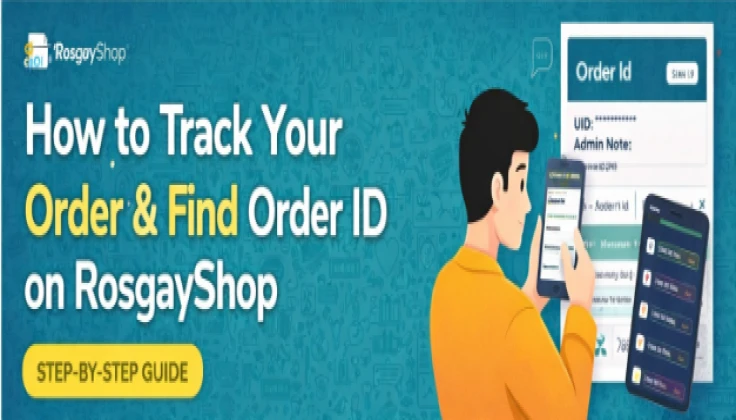
How to Track Your Order And Find Order ID on RosgayShop (Step-by-Step Guide)
Tracking your order on RosgayShop is simple and quick. Follow the steps below to find your Order ID and other order details.
Steps to Track Order & Order ID:
- Open https://rosgayshop.com
- Log in to your RosgayShop account.
- Click on the profile icon at the top-right corner of the website. As shown in the below image:

- From the dropdown menu, click on My Orders.

- You will see a list of your orders with Order ID starting with “Order Id”.

- Slide or scroll right to view more information such as:
- UID / ID & Password
- Admin Note
- Order status
Direct Link (after login):
https://rosgayshop.com/user/topUp/orders?type=all
This page allows you to track all your past and current orders in one place.