How to Track Payment Info
- Go to https://rosgayshop.com
- Log in to your account.
- Click on the profile icon (top-right corner).

- Select Dashboard.

- On mobile devices, tap the three-line menu icon.
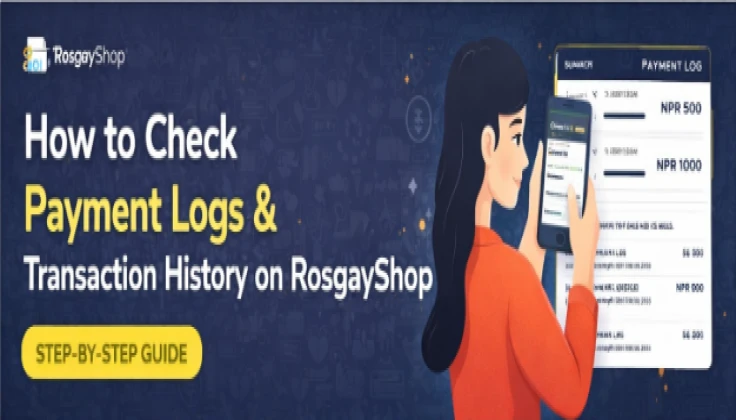
- Click on Payment Logs to see:
- Payment amount
- Transaction status
- Date & time
- Payment method

Direct Link (after login):
https://rosgayshop.com/user/payment-logs
This section helps you confirm successful payments and track your transaction history easily.